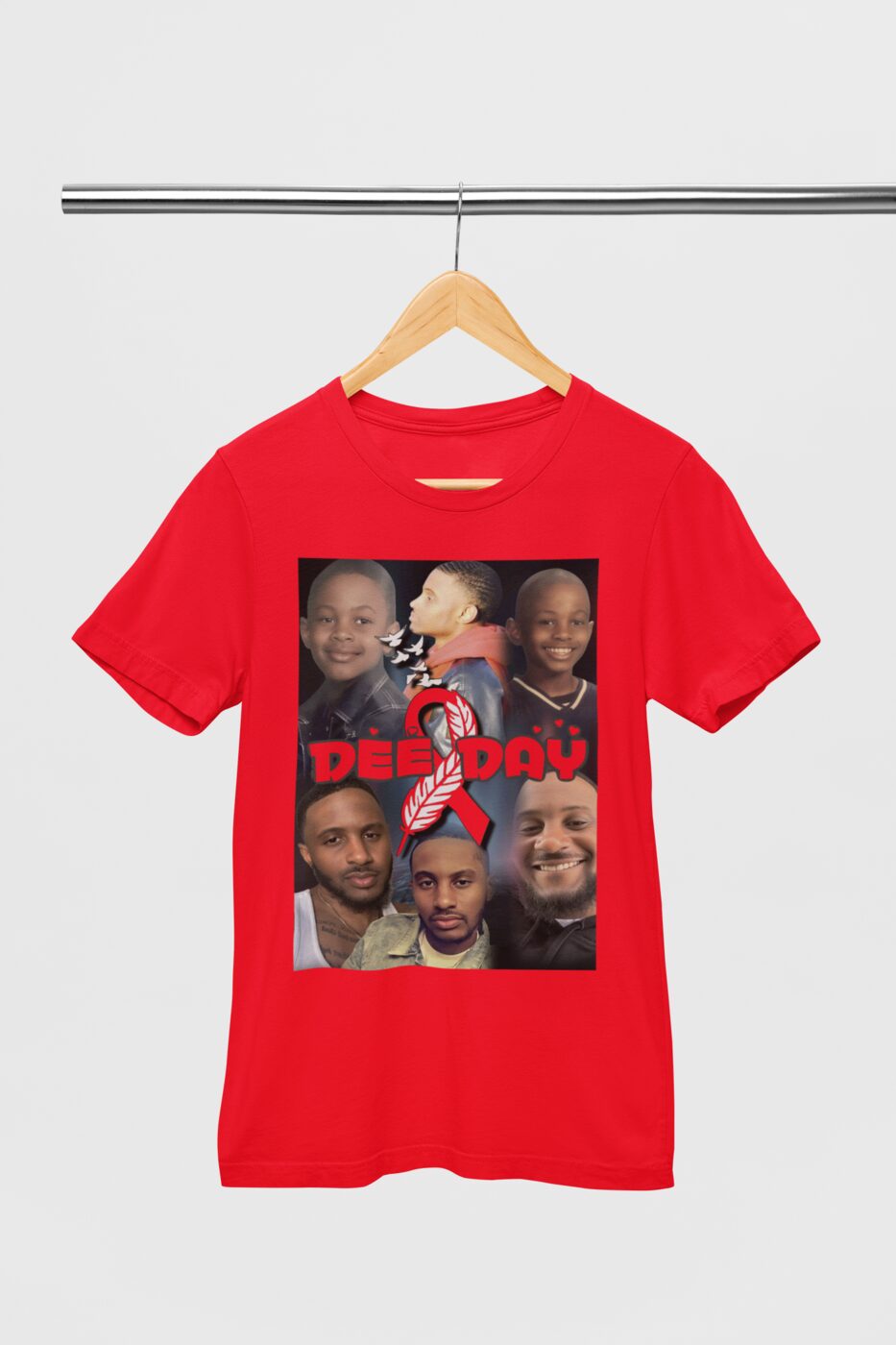
Most artwork that disappoints on a garment was fine on a phone screen and never had the resolution to be anything else. A screen shows roughly 72 to 150 dots per inch. A press wants around 300 at the size the design will actually be printed. A logo that looks crisp at two inches on a phone is being asked to be ten inches across on a shirt back, and there is simply nothing there to enlarge.
Start bigger than you need
If you are having something designed, ask for the file at the finished size or larger. Scaling a large file down keeps every bit of detail. Scaling a small one up invents detail that was never captured, which is what produces soft, blocky edges.
Vector beats pixels for anything drawn
Logos, lettering and line art are best supplied as vector files — SVG, AI, EPS or PDF. Vectors are instructions rather than dots, so they can be printed at any size without losing an edge. Photographs cannot be vectors, which is why photo prints have a real size limit and drawn artwork does not.
Backgrounds matter more than people expect
A transparent background — a PNG saved with transparency, not a white rectangle — is what allows a design to sit on a coloured garment without a pale box around it. A white background is invisible on a white shirt and glaringly obvious on a black one.
Think about the colour it is going on
Dark artwork on a dark shirt loses its shape, and very thin lines can close up when printed small. If a design has fine detail, printing it slightly larger usually rescues it. If it has to stay small, thickening the lightest strokes before printing is worth the effort.
If you are not sure whether a file will hold up, the quickest answer is to send it over and ask. It takes a moment to look at a file and say what size it will print well at, and that is a far better conversation to have before the press is running.